Tel: +86-134-31394972
E-mail: sales@pre-webguidesystem.com
Tel: +86-134-31394972
E-mail: sales@pre-webguidesystem.com
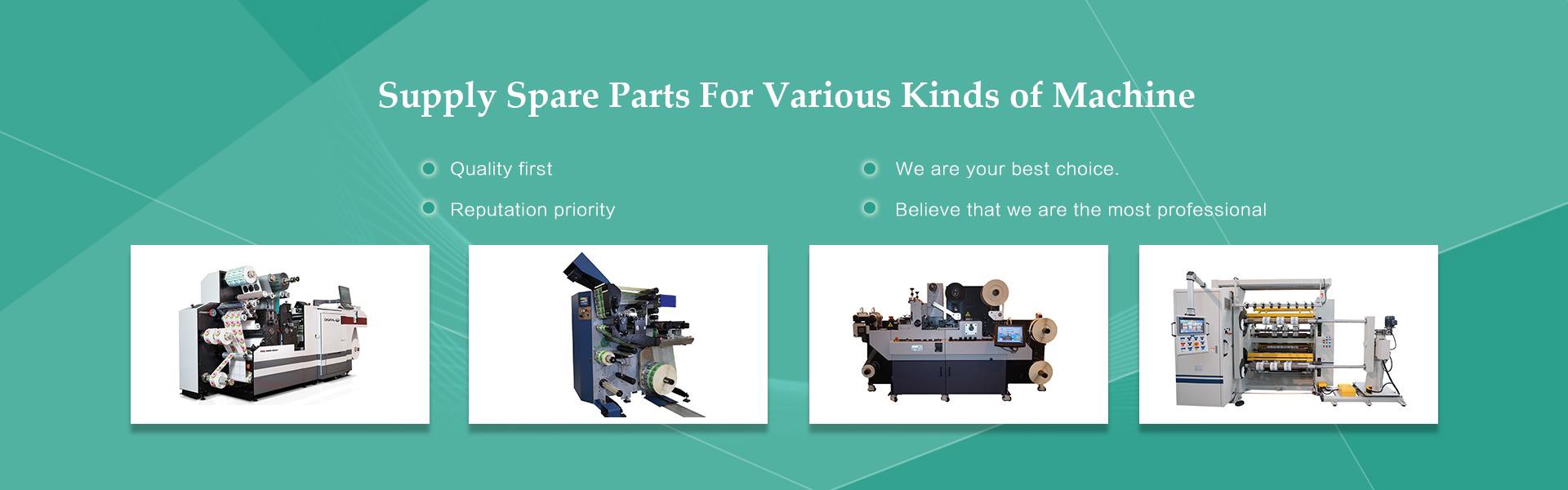
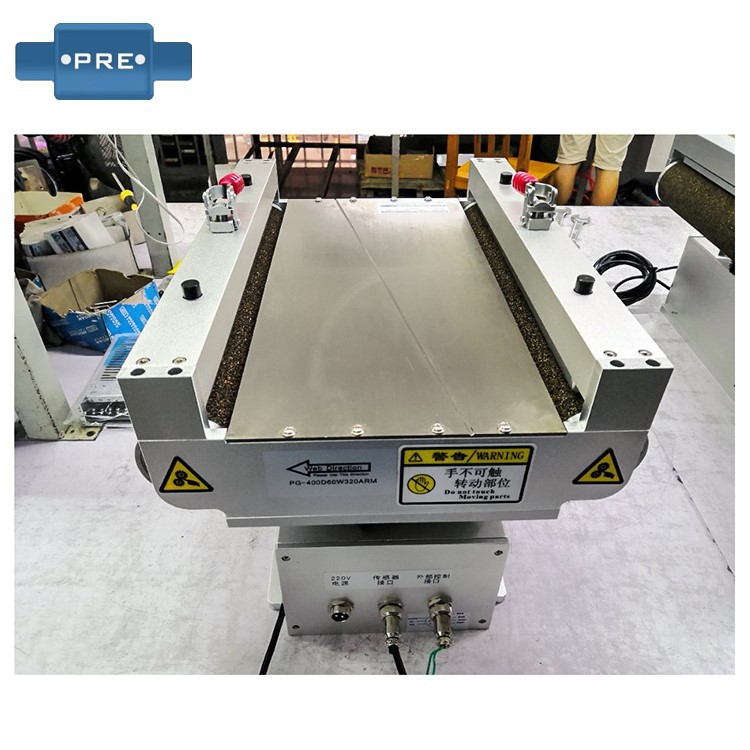
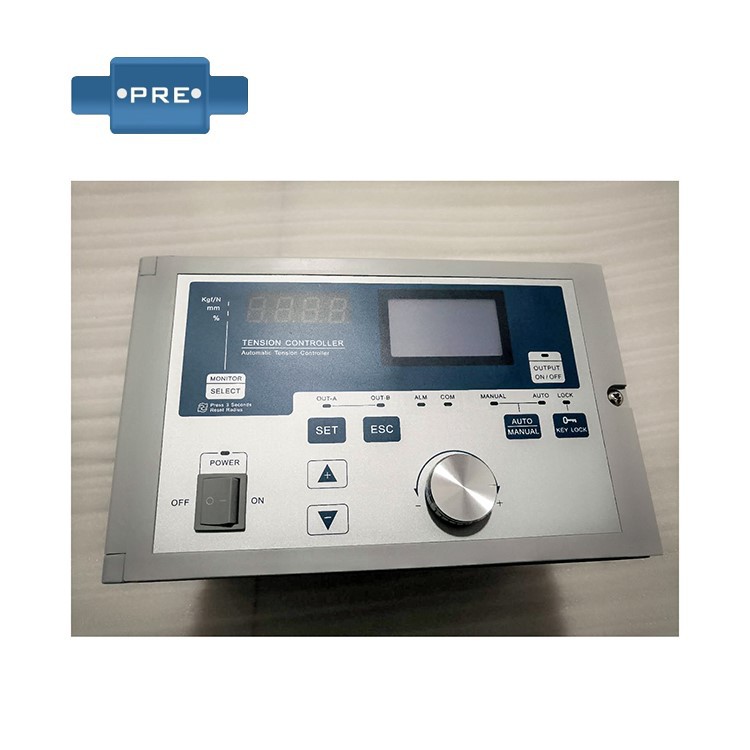
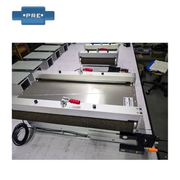
As a necessary equipment in printing, packaging and other fields, the function of automatic guiding device is to ensure the accuracy of printing, cutting and other processes. However, in the process of operation, there are also some problems. Below, we take a look at the common fault phenomena and solutions of automatic guiding devices.
1. Fault phenomenon: The web guiding system cannot be started normally.
Solution: Check whether the power supply is connected, whether the machine is switched normally, whether the cable from the control box to the sensor is firmly connected, and other failures.
2. Symptom: Manual state executor not working
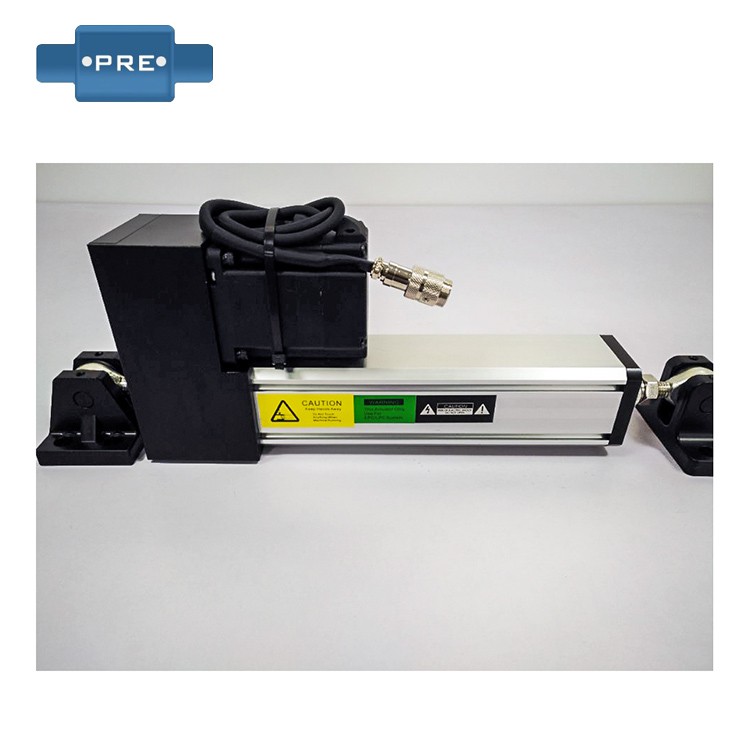
Solution: Check whether the actuator is in the limit state, whether there is a mechanical dead center in the correction falsehood, and whether the connection cable from the control box to the actuator is plugged in.
3. Fault phenomenon: the operation of the correction device is unstable, and the detection accuracy is reduced.
Solution: According to the equipment manual, check whether the power supply voltage is stable, whether the cable is in good contact, whether the machine swings and other factors.
4. Fault phenomenon: can not return to the center.
Solution: Check whether the limit line connection of the control box is correct and firm, and press the Set Plus Center button to reset the center mode in the manual state.
5. Fault phenomenon: correction jitter.
Solution: Check whether the coil tension is turned on, reduce the sensitivity, and reduce the motor driving speed.
6. Fault phenomenon: the automatic state cannot be corrected.
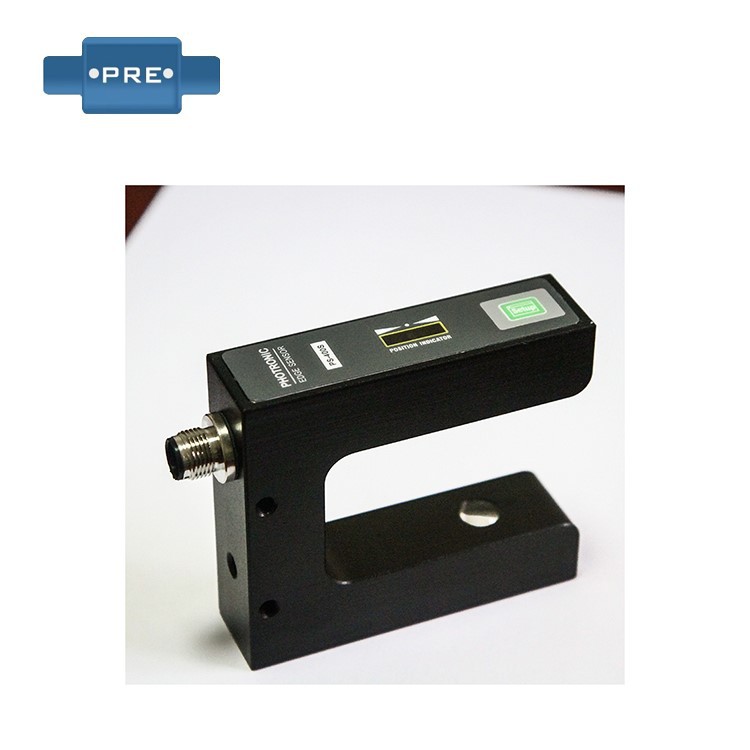
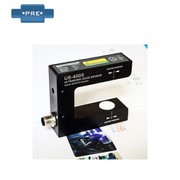
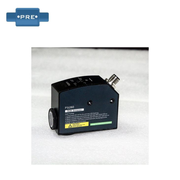
Solution: Check whether the sensor is connected and check to wipe the sensor lens; Reinitialize the system settings and match items.
7. Fault phenomenon: false alarm occurs in the correction device, and the alarm keeps sounding.
Solution: Check whether the cable is in good contact, whether there are factors such as machine fluctuations, make adjustments, or replace the probe.